
Since 1 September 2026, you no longer have to message us to find out where your parcel is. The Packargo customer portal puts shipment tracking, instant quotes, pickup booking and invoices in one place, and it works for every shipment between Singapore and Johor Bahru.
Here is what it does and how to start using it today.
What is the Packargo customer portal?
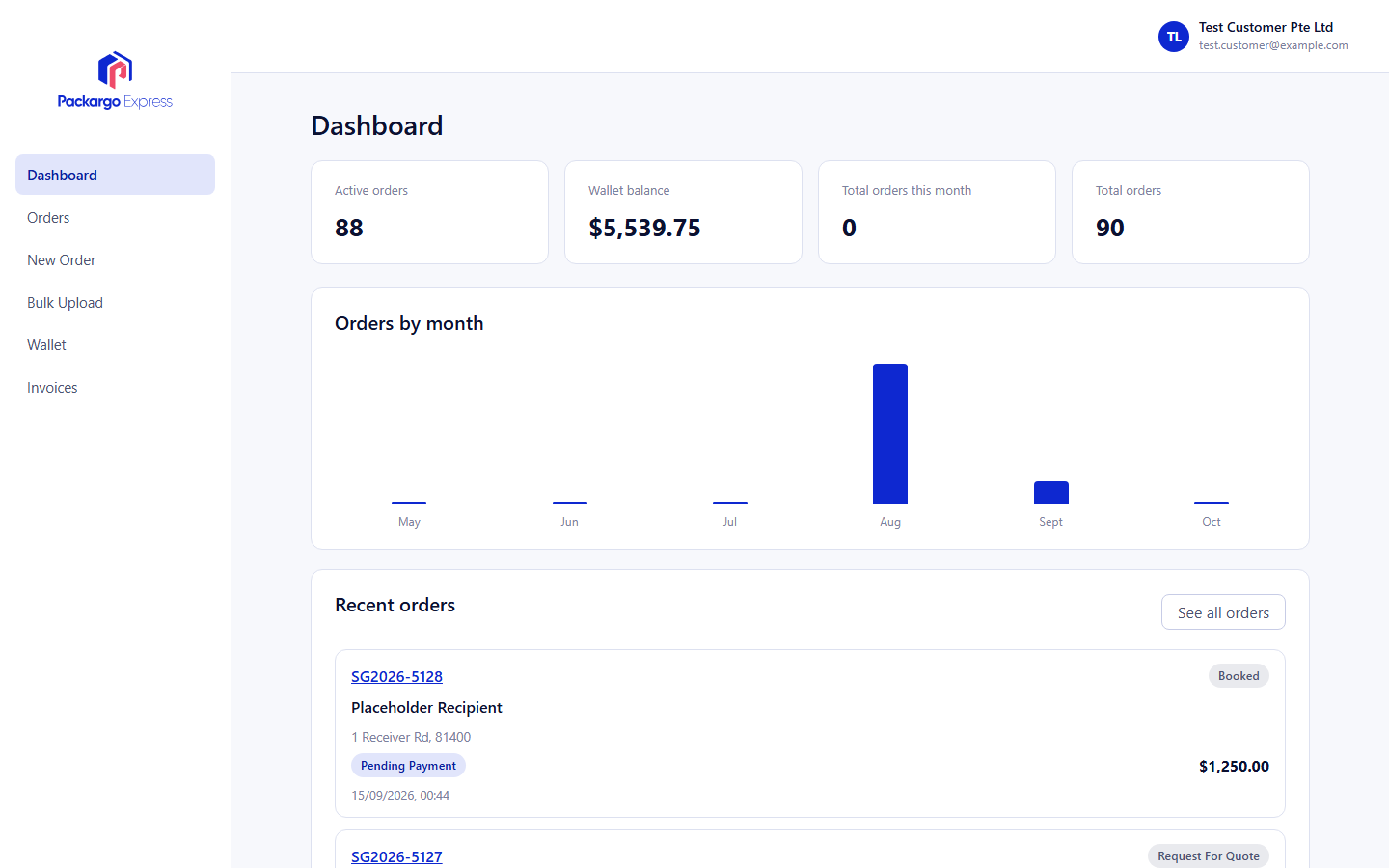
The portal is your online account with Packargo Express, at portal.packargo.express. Log in once and everything about your shipments sits in the same dashboard, instead of being spread across WhatsApp threads, emails and PDFs.
It was built for how cross-border businesses actually work: you need to know where goods are, what they cost, and what paperwork you are holding, without waiting for someone to reply.
What you can do in the portal
1. Track your shipments in real time
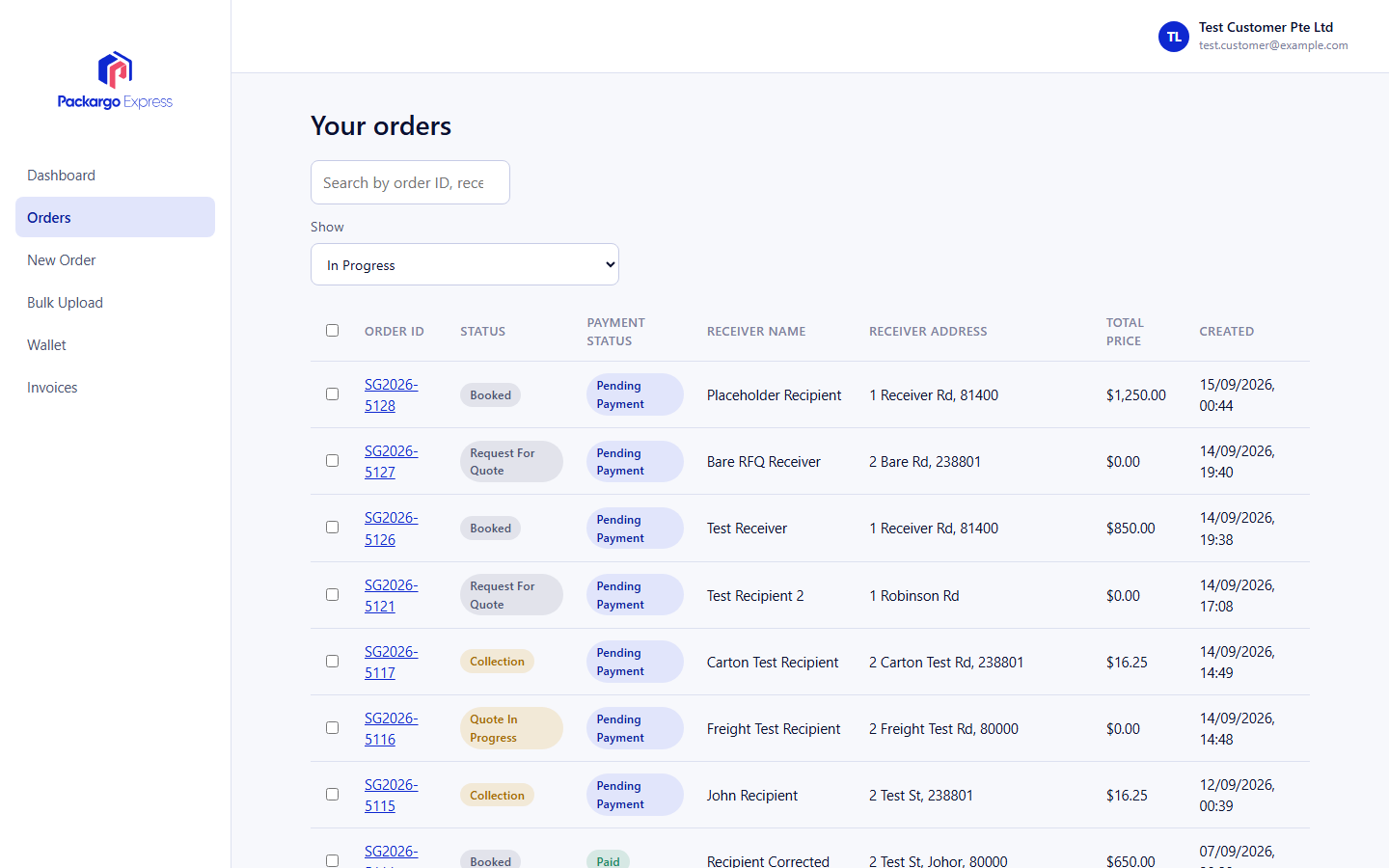
Check the status of any shipment from your dashboard, any time of day. Your orders list shows what is in transit and what has been delivered, so you can answer your customer's "where is my order?" in seconds.
2. Get an instant quote
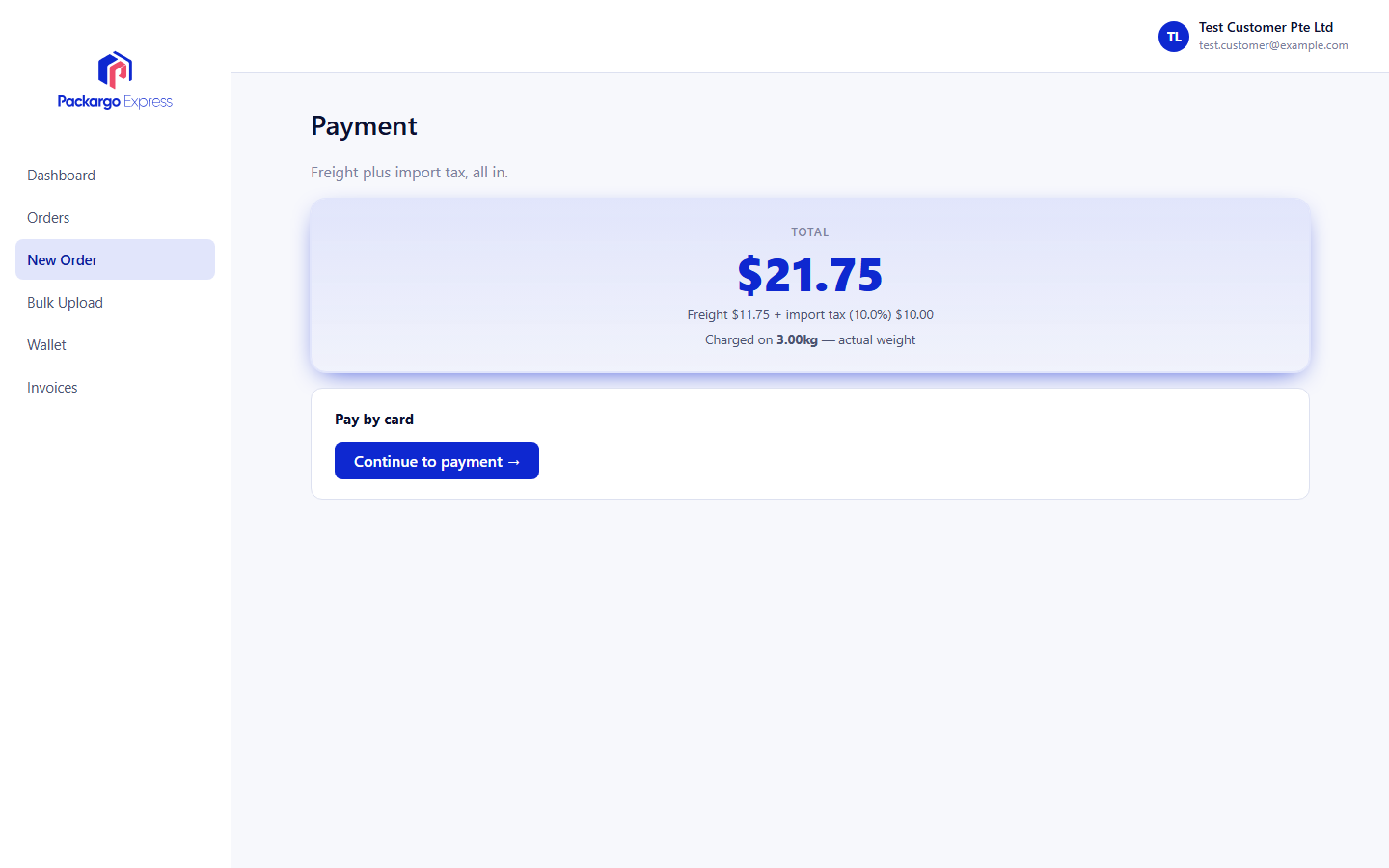
Enter your shipment details and see a price straight away. There is no need to wait for a callback or a reply in the next business day.
3. Book a pickup in the same flow
Quoting and booking are one continuous flow. Once you are happy with the price, you can arrange the pickup right there, without re-entering your details somewhere else.
4. Find your invoices and documents
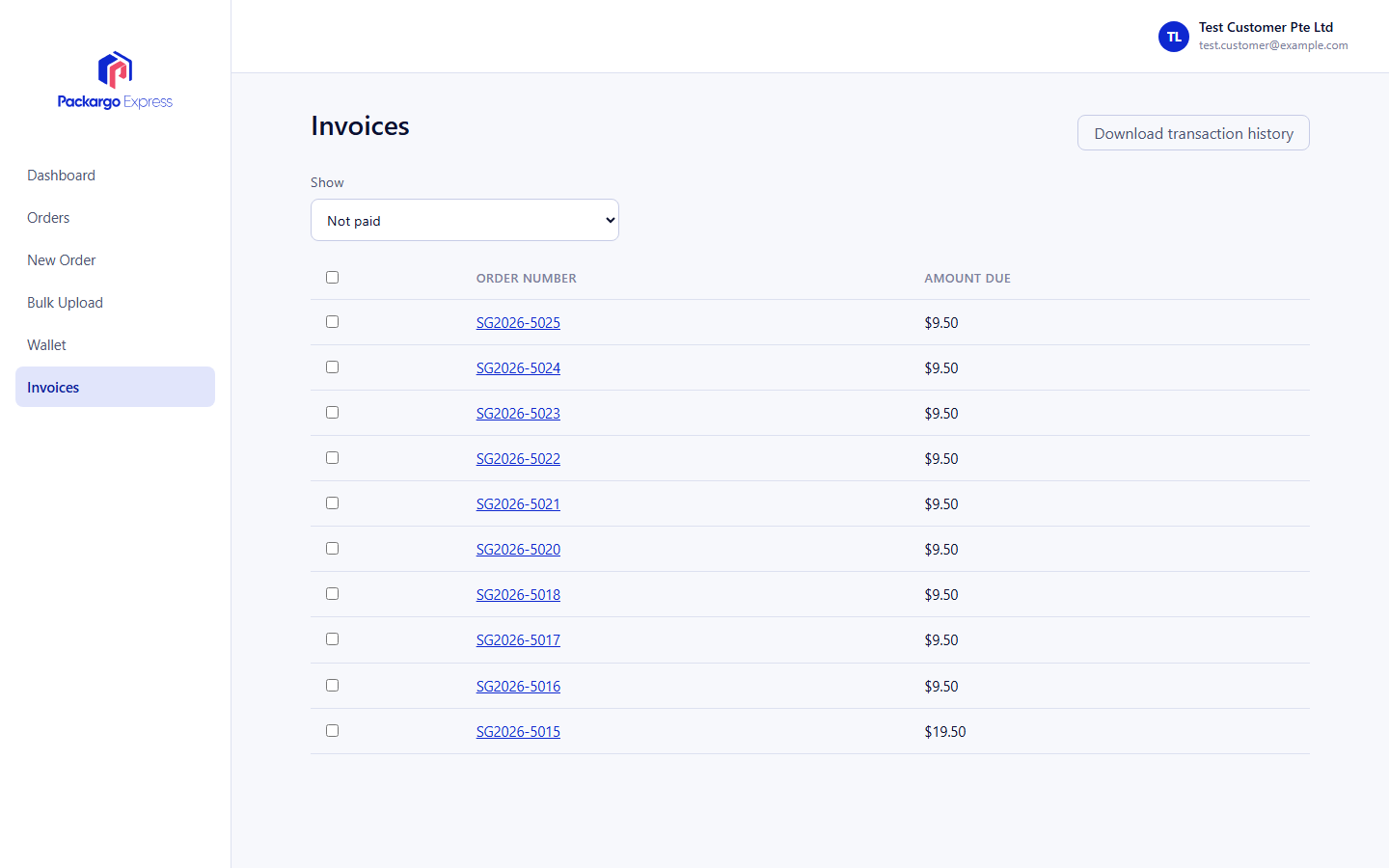
Invoices and shipment documents are stored in your account, so you can pull up what you need at month-end or when your accountant asks, without searching your inbox.
Who is it for?
- E-commerce sellers sending parcels between Singapore and Malaysia who want fewer "where is my parcel" messages.
- SMEs with regular shipments who need a clear record of orders and invoices in one place.
- Businesses using our warehousing or freight forwarding who want visibility without chasing updates.
How to get started
- New customers: contact our team to have your account set up.
- Go to portal.packargo.express or click Login in the menu at packargo.express, then sign in.
- Open your dashboard to see your orders, or start a new quote.
- Book your pickup and track it from there.
Already shipping with us?
Your shipments and invoices are the best place to start. Log in, open your orders list, and see how much easier the next delivery update gets.
New to Packargo? Get a quote and we will show you how door-to-door delivery between Singapore and Johor Bahru can work for your business.